See Who Doesn’t Follow You Back on Instagram
Find out which accounts you follow that don’t follow you back. Enter your username, get the answer instantly. No login required.
What Is a Follow-Back Checker?
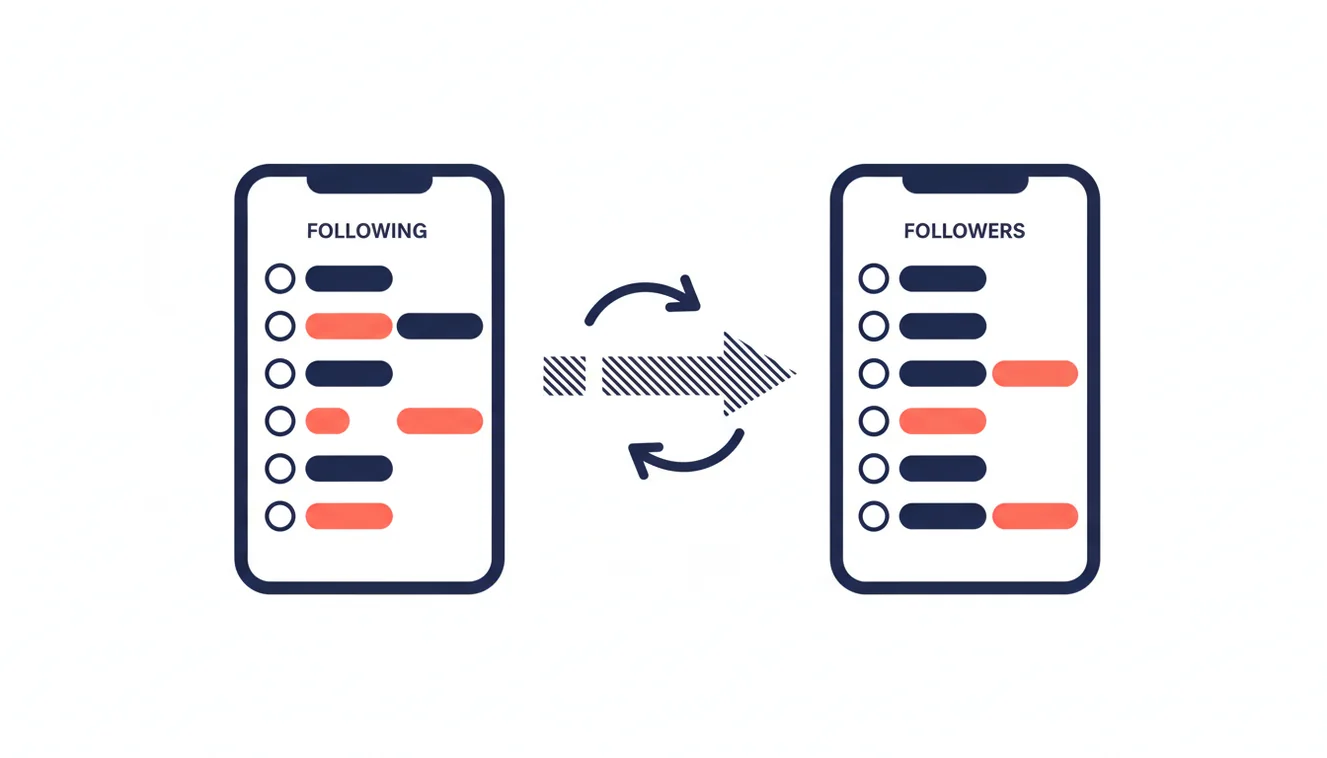
A follow-back checker compares your Instagram following list with your followers list to identify accounts that do not follow you back. Instagram does not provide this feature natively. Third-party tools like RecentFollow analyze both lists and highlight the discrepancy. This check only works on public Instagram accounts. RecentFollow does not require your password and never performs actions on your behalf.
Instagram's interface lets you see your followers and who you follow, but there is no built-in way to cross-reference the two lists. You would need to manually check each account you follow to see if they follow you in return. On an account following 500 or 1,000 people, that process is impractical. A follow-back checker automates this comparison and surfaces the results in seconds. You can also use the Instagram follower viewer to browse any public account's full follower list.
Why Check Who Doesn’t Follow You Back
I started checking my non-followers after realizing my follower-to-following ratio was way off. I was following over 900 accounts but only had around 400 followers. Something felt wrong. Turns out, more than half the accounts I followed had never followed me back, and I had no idea.
Here’s the thing: Instagram rewards engagement, not generosity. If you’re following hundreds of people who don’t follow you back, your feed gets cluttered with content from accounts that aren’t invested in yours. Your engagement drops. Your reach suffers. It’s a spiral.
Once I started cleaning up my following list, the difference was real. My feed became more relevant. I saw more posts from people who actually interact with my content. My engagement rate went up because I was spending time on accounts that gave something back. It sounds simple, but most people never bother to check.
There are a few common reasons to run a follow-back check:
- Curating your feed, Remove noise from accounts that don’t reciprocate.
- Maintaining a healthy ratio, A balanced follower-to-following ratio signals credibility.
- Spotting follow-unfollow behavior, Some accounts follow you to get a follow back, then quietly unfollow. Use the unfollow tracker to catch this. This is more common than people realize.
- Personal boundaries, If someone you know doesn’t follow you back, you might want to know that.
You don’t need to unfollow everyone on the list. The point is awareness. Once you see who isn’t following you back, you can decide what to do about it on your own terms.
How the Follow-Back Checker Works
Three steps. No passwords. No complicated setup.
Enter Your Username
Type your public Instagram username into the search field above. No login or password is needed, just the handle.
We Compare Both Lists
RecentFollow fetches your following and followers lists in real time, then cross-references them to find accounts that don’t follow you back.
See Who Doesn’t Follow Back
View the full list of non-followers with usernames and profile pictures. Decide who to keep following and who to let go.

Limitations and Safety
RecentFollow accesses only publicly available Instagram data. If your account is set to private, the tool cannot retrieve your follower or following lists. You would need to temporarily switch to a public profile to use the follow-back checker.
The tool does not require your Instagram password and never performs any actions on your behalf. It will not follow, unfollow, like, or comment on anything. Your credentials stay with you.
Instagram does not officially endorse third-party follower analysis tools. Many tools in this space ask for your login credentials or request permissions that could compromise your account. RecentFollow avoids all of that by design, it reads publicly accessible data and nothing more. That said, users should review Instagram’s current Terms of Use independently, as the platform updates its policies periodically.
One thing to keep in mind: the data reflects the state of both lists at the moment you search. If someone follows you five minutes after your search, they won’t appear in the results. Running the check again will pull fresh data each time.
Frequently Asked Questions
Common questions about checking who doesn’t follow you back on Instagram.
Find Out Who Doesn’t Follow You Back
Enter your Instagram username. Anonymous, instant, no login required.
Check Now ↑