See Who Unfollowed You on Instagram
Track who stopped following you on Instagram. Detect unfollowers anonymously without logging into your account. Instant results.
What Is an Instagram Unfollow Tracker?
An unfollow tracker monitors changes to your Instagram followers list over time and identifies accounts that have stopped following you. Instagram does not notify users when someone unfollows them. Tools like RecentFollow detect these changes by comparing follower snapshots. This feature only works with public accounts. RecentFollow does not access private data, require your password, or interact with the target profile in any way.
Instagram removed its "Following Activity" tab back in 2019, and since then there has been zero native way to see who dropped you. Your follower count goes down by one and you're left guessing. Was it that guy from high school? The brand account you thought liked your content? You have no idea unless you scroll through hundreds of names trying to spot who's missing. If you want a broader view, the follower tracker lets you monitor all follower changes over time.
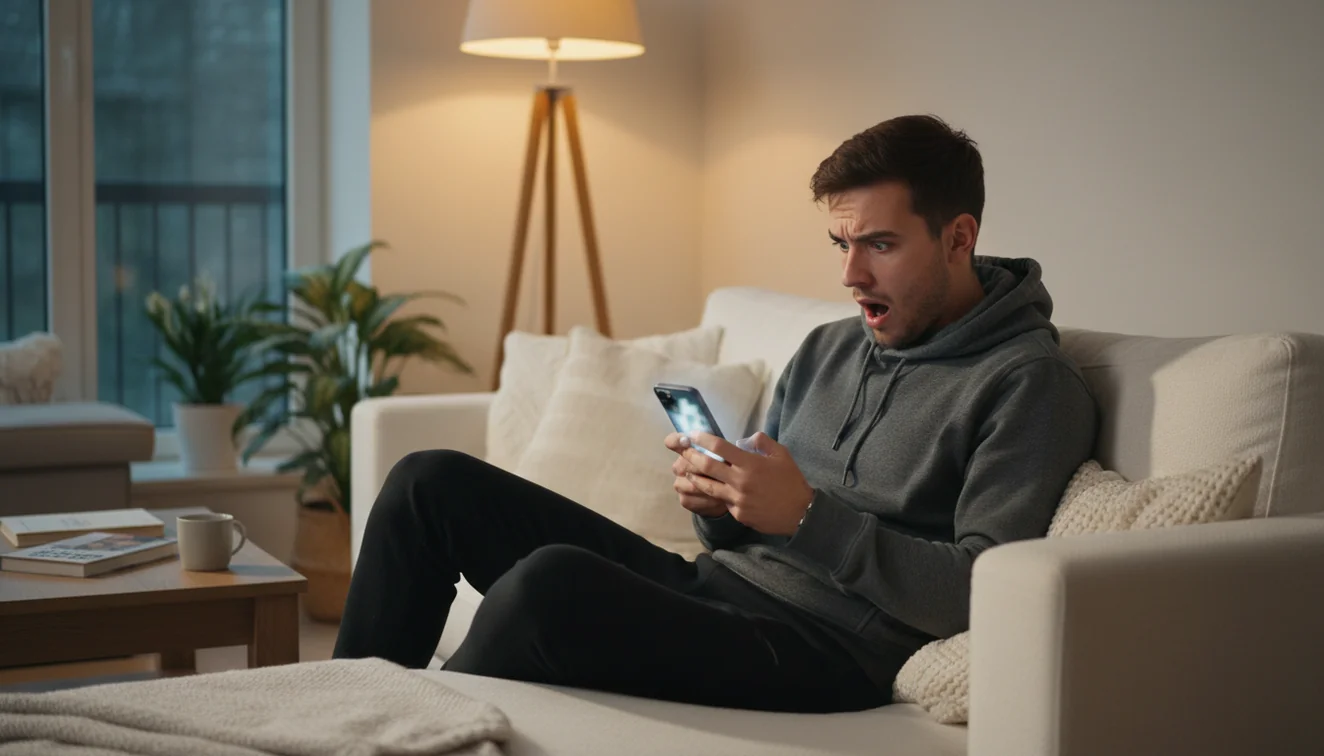
I've been on both sides of this. I once lost about 30 followers in a week after changing my content style, and I had no clue who left until I started using a tracking tool. That's what pushed me to build this feature into RecentFollow. You check your profile, the tool snapshots your followers, and next time you check it tells you exactly who disappeared.
The way it works is straightforward. RecentFollow takes a snapshot of your follower list each time you search. When you come back later, it compares the new list against the old one. Any accounts present in the earlier snapshot but missing from the current one get flagged as unfollowers. No guessing, no manual counting, no spreadsheets. You can also check who doesn't follow you back and download the app for unlimited daily searches.
How Unfollow Tracking Works
Three steps to find out who stopped following you.
Enter Your Username
Type your public Instagram username into the search field. No password or Instagram login is needed.
We Snapshot Your Followers
RecentFollow captures your current follower list and compares it against any previous snapshots on file.
See Who Left
Accounts that were following you before but aren't anymore get flagged. You see usernames, profile photos, and when the change was detected.
Why People Unfollow (And Why It Matters Less Than You Think)
Here's the thing nobody tells you about unfollows: most of them aren't personal. I spent way too long obsessing over my follower count before I realized that people unfollow for the most mundane reasons imaginable. They're cleaning up their feed. They followed you during a follow-for-follow phase and are now trimming. They switched interests. Their kid grabbed their phone.
That said, tracking unfollows can still be genuinely useful. If you're a creator or run a business account, sudden drops in followers after specific posts give you real feedback about what your audience does and doesn't want. If you post a reel and lose 15 followers the next day, that's data. Not devastating data, just data.

The accounts I find most useful to track are the ones that matter to me personally. Business partners, close friends, potential collaborators. If one of those people unfollows, it might actually mean something worth knowing about. Random accounts coming and going? That's just the rhythm of Instagram.
RecentFollow gives you the information without the drama. You see the names, you make your own decision about whether it matters. No push notifications screaming at you about lost followers, no gamified shame counters. Just a clean list of who's there and who isn't anymore.
What You Get With Unfollow Tracking
Everything you need to understand changes to your Instagram followers.
Unfollow Detection
See exactly which accounts stopped following you. Names, photos, and when the change was detected.
New Follower Alerts
Not just unfollows, also see who recently started following you. Track growth and losses side by side.
Snapshot History
Each search creates a snapshot. Over time, build a complete picture of how your follower list changes.
100% Anonymous
Nobody knows you're checking. RecentFollow never interacts with the target account. Your search leaves zero trace.
No Login Required
RecentFollow never asks for your Instagram password. Just type a username and get results immediately.
Privacy First
No data sold. No search history stored. No account access. We access only publicly available Instagram data.
Unfollows vs. Blocks: What's Actually Happening
Before you spiral, it helps to understand the difference between someone unfollowing you and someone blocking you. They look similar from your end, both result in a lower follower count, but they mean very different things.
When someone unfollows you, they simply remove themselves from your follower list. You can still see their profile, their posts, their stories. They just won't see your content in their feed anymore. It's the digital equivalent of changing the channel.
Blocking is a completely different situation. If someone blocks you, you can't find their profile at all. Searching for their username returns nothing. Any previous DM conversations go blank. It's a hard cut, and it's usually deliberate.
RecentFollow helps you distinguish between the two. If an account shows up as an unfollower but you can still view their profile when you search them, you've been unfollowed. If the account seems to have vanished entirely, you may have been blocked, or the account could have been deactivated or deleted.
Limitations and Safety
RecentFollow accesses only publicly available Instagram data. It does not bypass privacy settings and cannot track unfollowers on private accounts. The tool never asks for your Instagram password, never performs actions on your behalf, and never stores your credentials.
There are some honest limitations to be aware of. Unfollow detection requires at least two snapshots taken at different times. If this is your first search, you won't see unfollowers until you come back and check again later. The tool compares "then vs. now", it can't retroactively detect unfollows that happened before your first snapshot.
Accuracy also depends on timing. If someone unfollows you and then re-follows before your next check, the tool won't catch it. Frequent checking gives you more precise data, but weekly checks are usually enough for most people.
Some tools in this space ask for your Instagram login credentials. That's a red flag. Any service that needs your password to show you unfollowers is likely accessing private API endpoints, which can put your account at risk. RecentFollow is designed to work without any of that.
Frequently Asked Questions
Everything you need to know about tracking Instagram unfollowers.
Find Out Who Unfollowed You
Enter your Instagram username. Anonymous, instant, no login required.
Check Now ↑